

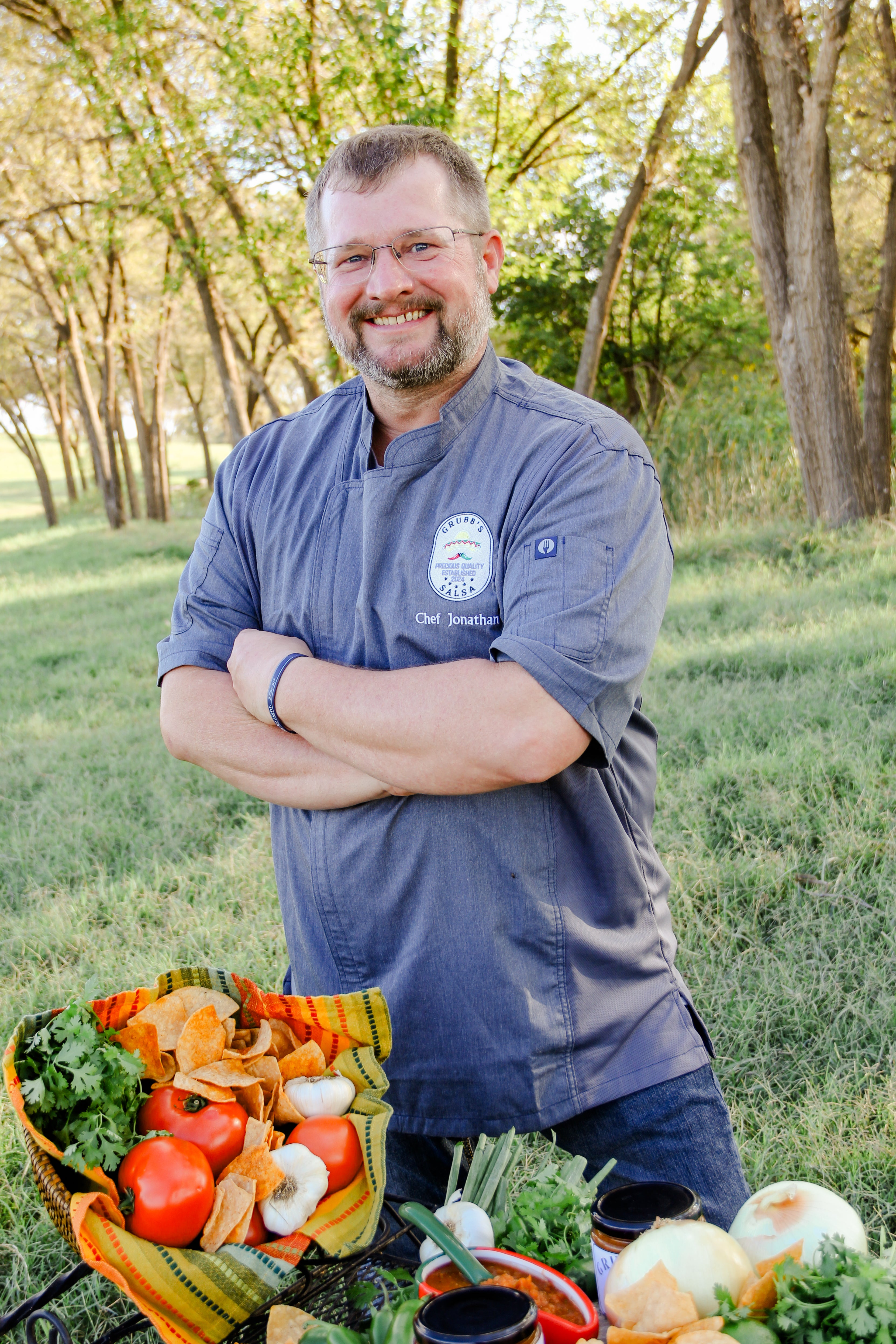
Meet Chef Jonathan
Chef Jonathan’s passion for great food and genuine connection began long before Grubb’s Gourmet was born. After years working in the restaurant industry as both a cook and server, he discovered that the true joy of food lies not only in flavor — but in the way it brings people together.
He refined his skills at South Plains College’s Culinary Program, where he mastered technique, expanded his flavor palette, and developed a love for creating dishes that are both innovative and comforting. Following graduation, Jonathan served as Head Chef and Caretaker at Covered S Ranch, where he designed five-star dining experiences for special guests and hunters, blending rustic charm with gourmet precision.
Today, Chef Jonathan leads Grubb’s Gourmet with the same heart and creativity that have defined his journey. Every sauce, every catered meal, and every flavor is crafted to enrich family tables and leave a lasting impression for generations.